











Book a demo
Thirty minutes on a working brokerage.
We run GarnetSync on Corvane Markets, a demo brokerage with invented clients and money and real screens. We spend the time on the parts you ask about, on the product itself, not on slides.
- Length
- 30 minutes
- On
- Corvane Markets, a demo brokerage
- Server
- An MT5 test server, or yours
What we'll show
- 01
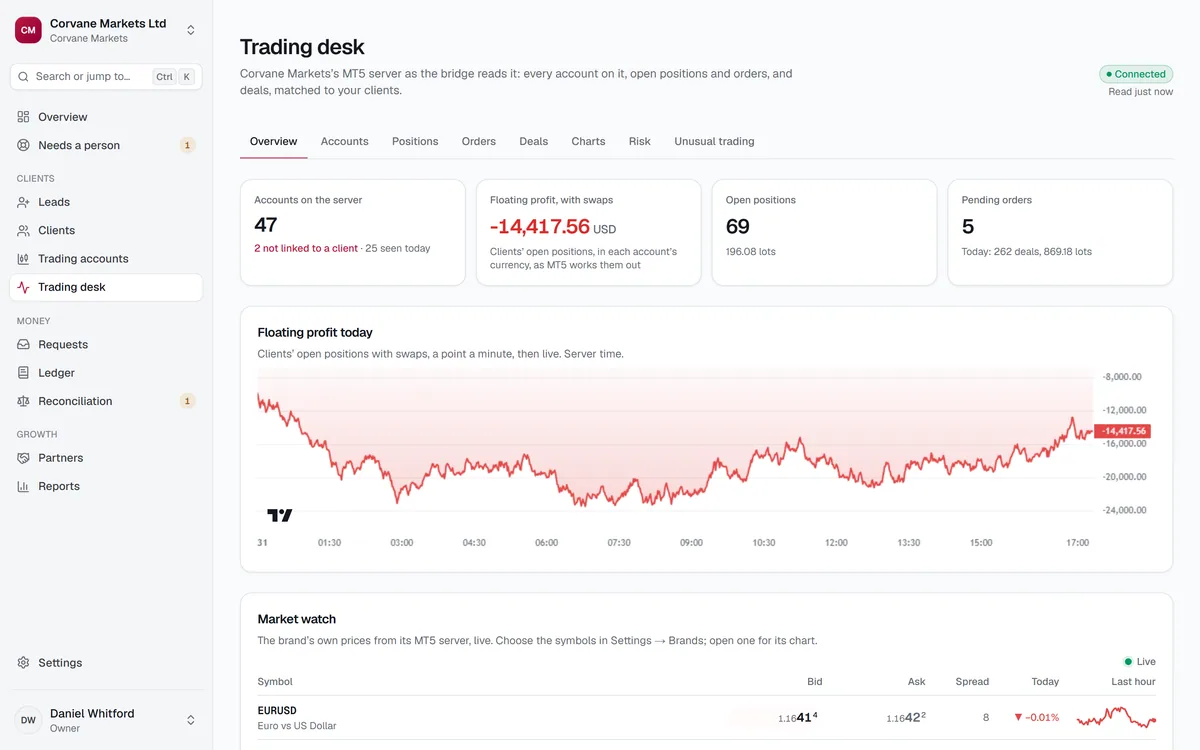
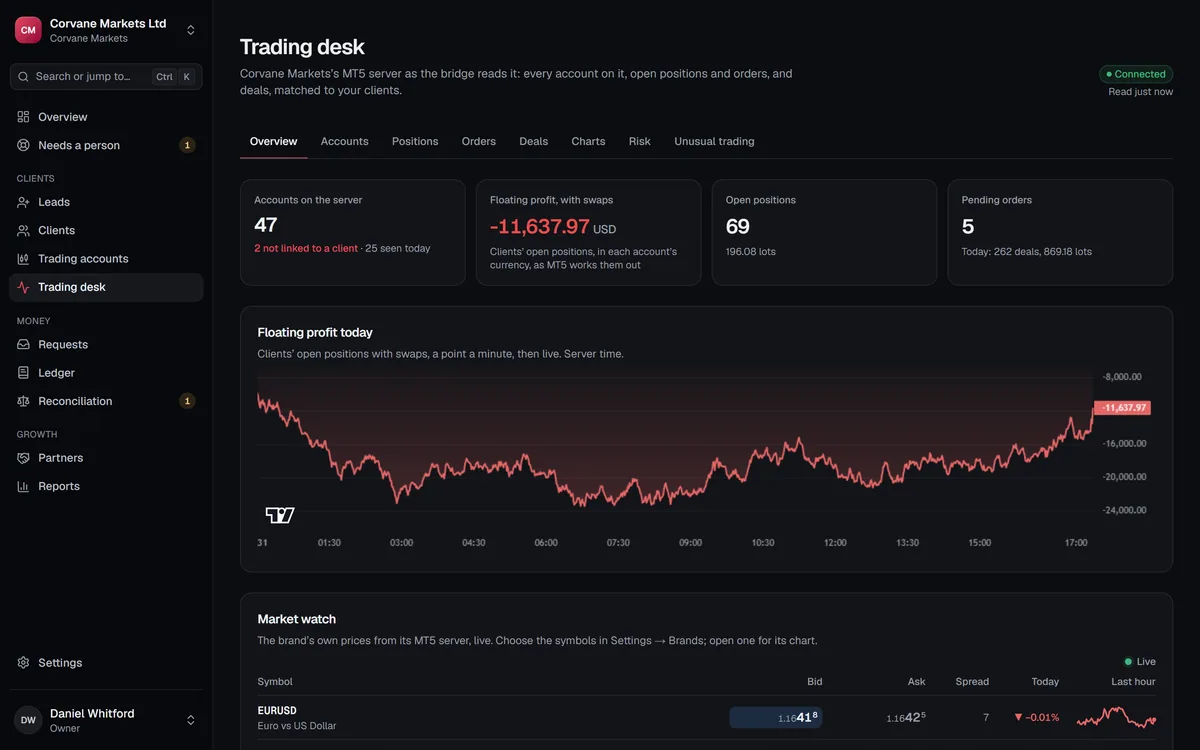
The trading desk. The live book, exposure long against short, and the Risk tab: the accounts closest to a margin call.
- 02
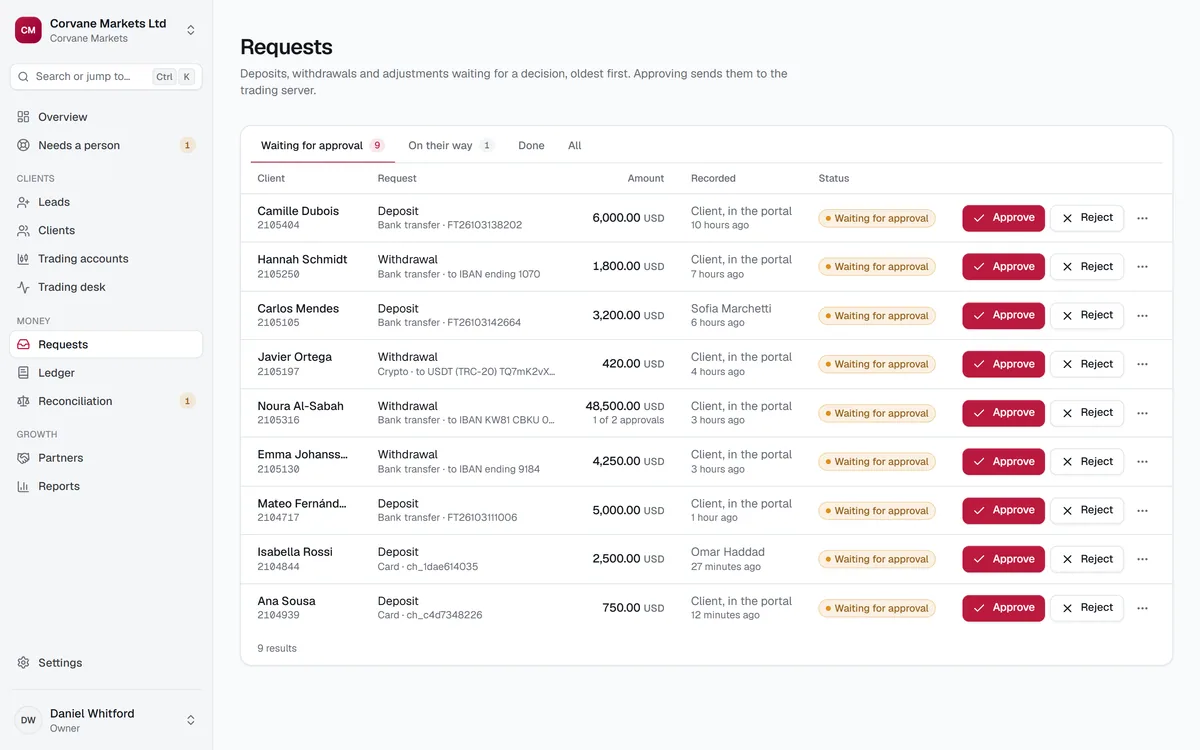
Approvals. A large withdrawal at "1 of 2 approvals", and the fresh authenticator code every approval takes.
- 03
A lost answer. A deposit whose MT5 answer never came back, in Needs a person, and the three ways to settle it.
- 04
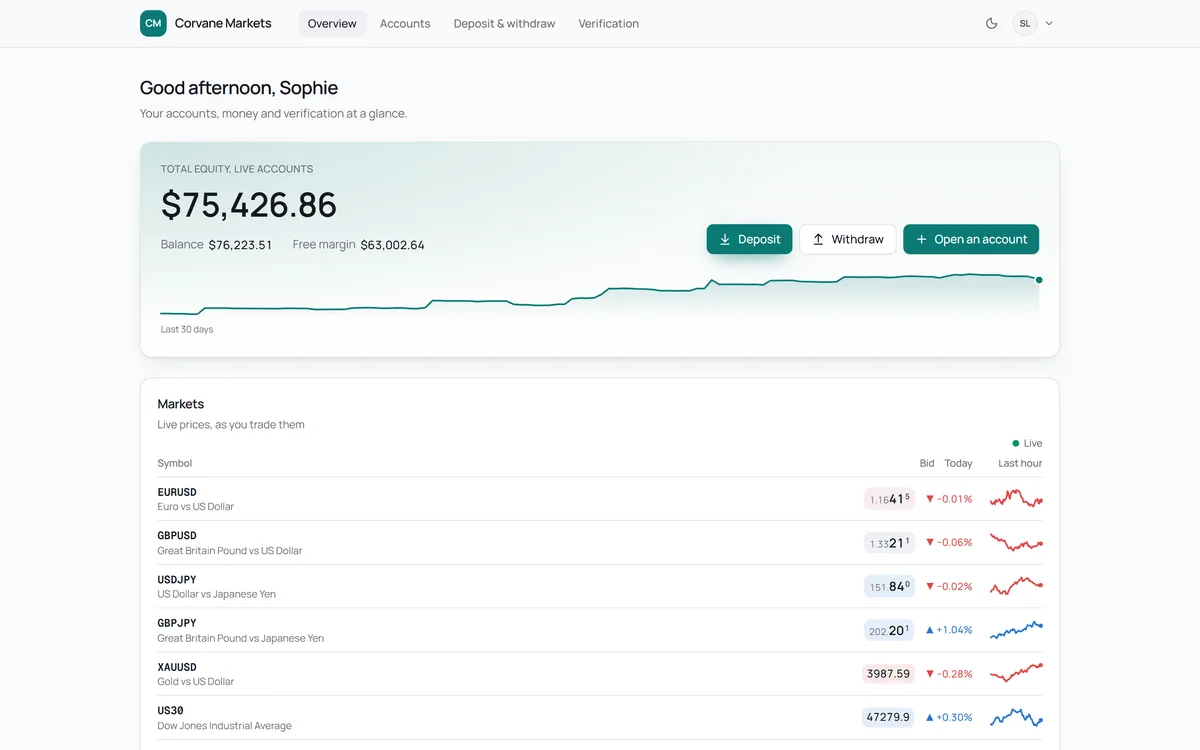
The client portal. In the brand's own colours: sign-up, the KYC documents, and a USDT address of the client's own.
- 05
Partners. A tree three levels deep, with earnings pending until the server day is re-read, then confirmed.
Request a demo
Tell us your platform, whether you're launching, switching or growing, and what you most want to see.
Before the call
What to bring.
To watch, nothing. To see GarnetSync on your own server, a little preparation on the MT5 side.
To watch
Nothing. Corvane Markets comes with its own clients, deposits, partners and an MT5 test server.
For a test connection
Your MT5 server's Web API address, and a manager login set up from our seven-step checklist: no delete, Configuration or Administration rights, demo groups first, and our fixed IP on the server's allow-list.
What your MT5 administrator doesYour questions
The flows you run today, and the ones that go wrong: a deposit answer that never came, a large withdrawal, a partner disputing a commission.
The screens you'll see
Real screens, invented money.
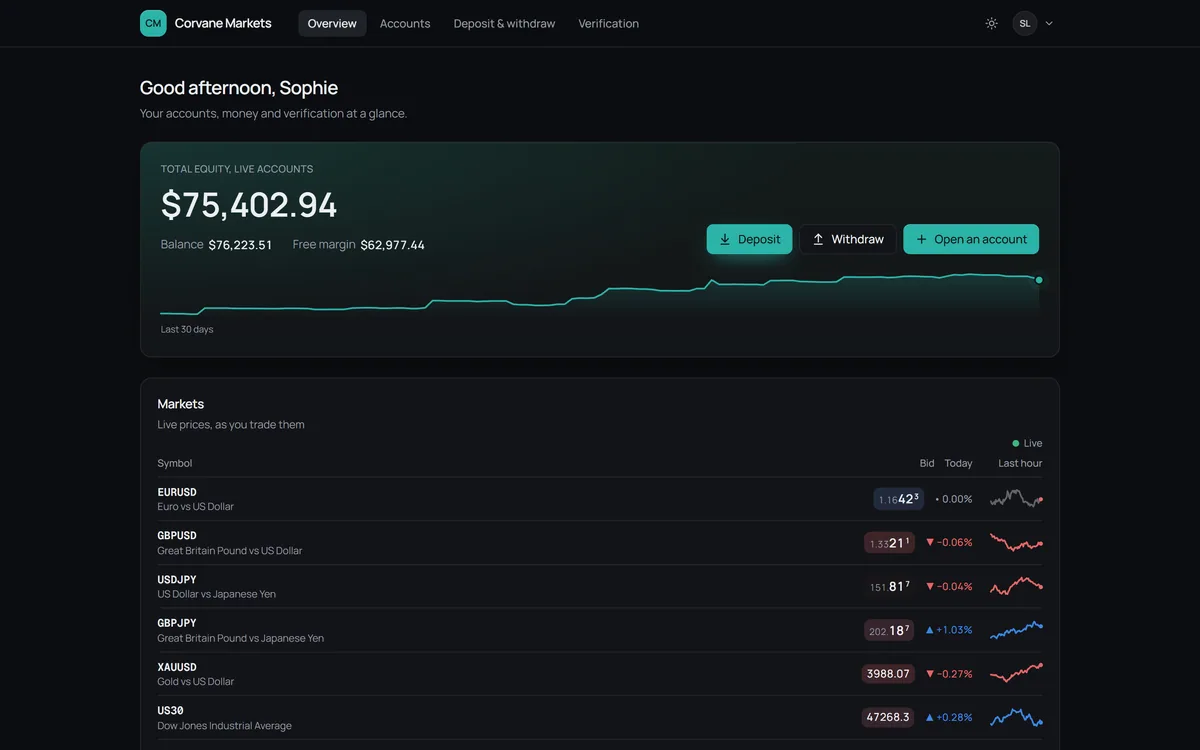
These are screenshots of the product running Corvane Markets: the same screens the demo walks through.
Where to next
Send the checklist ahead.
If you'd like a test connection, your MT5 administrator can set up the login before we speak, so the call is about your server, not about setup.