








For new brokerages
From MT5 login to first deposit.
A new brokerage needs its server connected safely, a portal on its own address, mail from its own domain and a way to take money. Here is the order it happens in, and what each step asks of you.
The order of work
Seven steps, in order.
Each step is a screen of its own, with its own check that it worked. The MT5 login and a few DNS records are done on your side; the rest is set up in GarnetSync.
- 01
Your company
We create your company in our console and invite its owner with a link that lasts 72 hours. A company has one owner, and ownership moves only by handover, with fresh codes on both sides.
- 02
Your MT5 server


Your administrator follows a 7-step checklist for a manager login of its own: no delete, Configuration or Administration rights, demo groups first, and our fixed IP on its access list. "Send these steps to your MT5 administrator" emails them a one-time link that lasts 72 hours.
The MT5 login, right by right - 03
Your portal's address
CloudflareYour brand's own address on a neutral domain from the start, or your own domain with a CNAME and a TXT record as proof. Cloudflare issues the certificate. A domain containing "garnet" is refused.
- 04
Your look
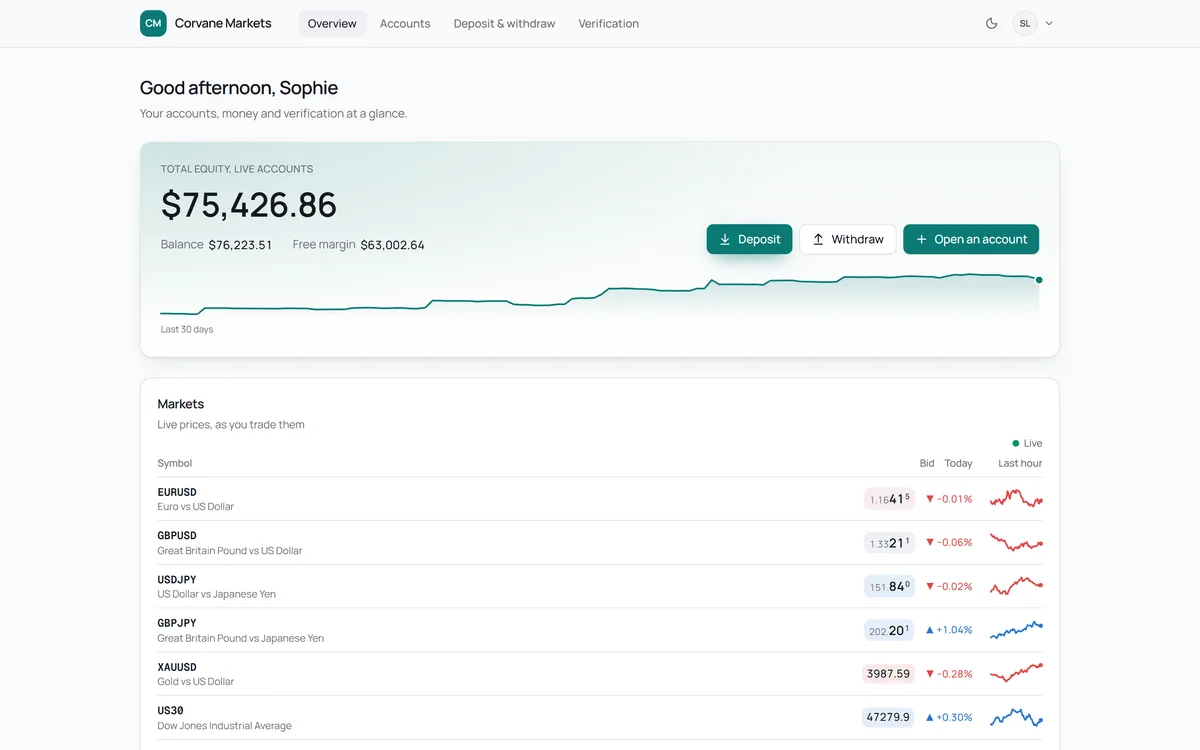
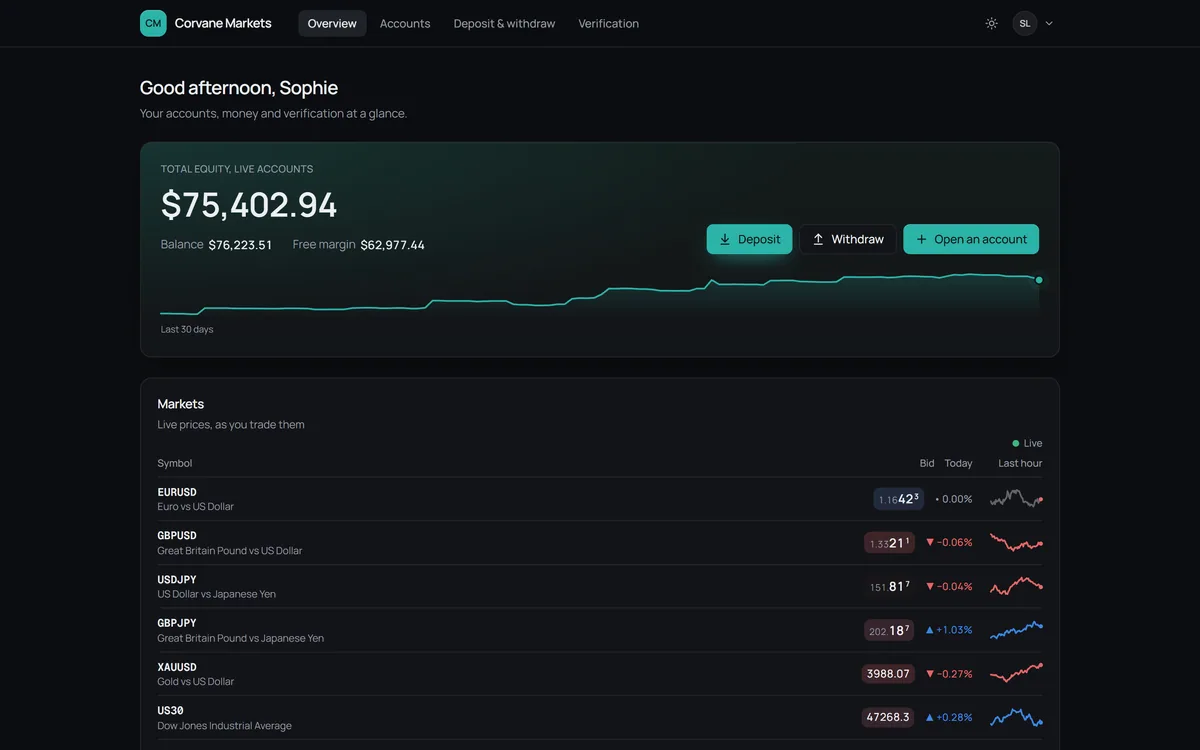
Two presets, Clean and Terminal, 6 fonts, 4 tints, 3 corner styles, 5 Overview cards and your logo. Contrast is checked when you save: at least 3:1.
- 05
Mail from your own domain
BrevoEnter your From address and add the records shown: our proof TXT, Brevo's code, DKIM and DMARC. It's verified once the proof is found, Brevo's check passes, and a 6-digit code sent to the address comes back. Until then, clients get mail in your brand's name from a neutral address.
- 06
Your rules and ways to pay


An approval threshold (1,000 USD unless you set another), account types and IB plans, per brand. Bank and crypto details for clients to pay to, and USDT through Xoala if we switch it on for you.
- 07
Your first client
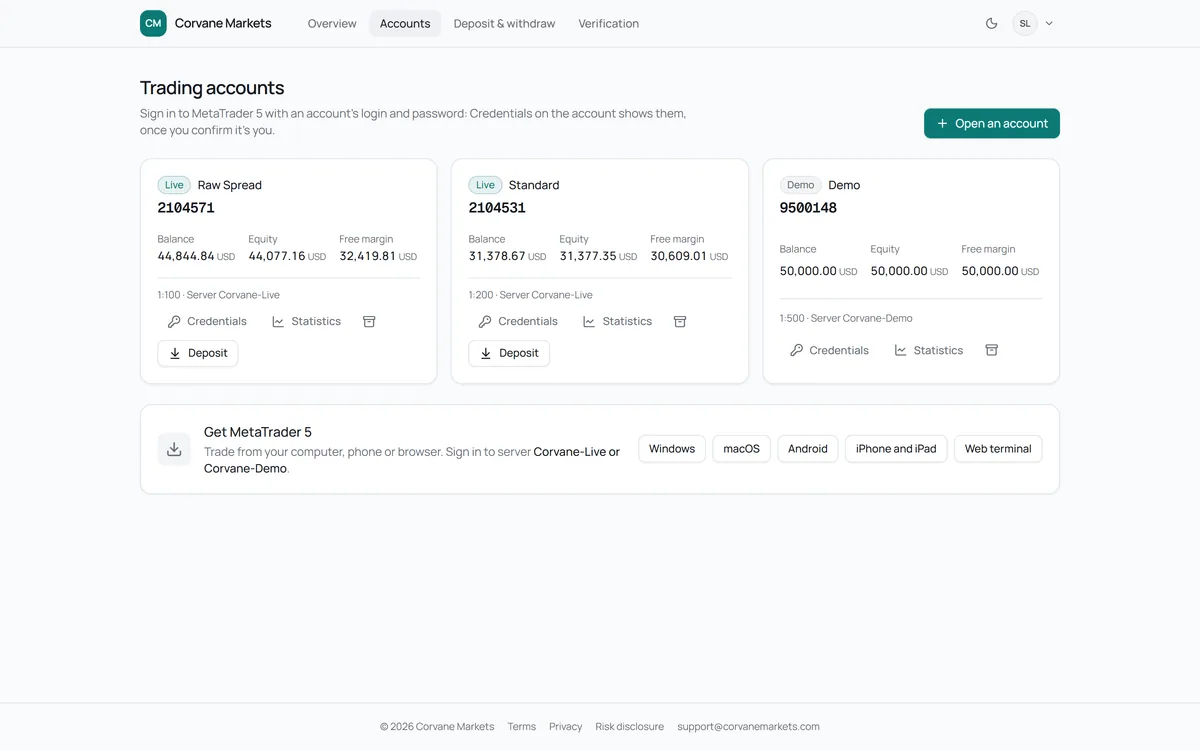
They sign up with the fields you chose, pass a bot check, confirm their email in one click, and their live account opens through the bridge. Their first live deposit makes them a client.
 Cloudflare
 Brevo
BrevoReady, or not yet
Every step checks itself.
Nothing is marked done because someone said so. The connection is tested against MT5, the domain records are looked up, the contrast is measured, and the From address has to answer a code.
Corvane Markets: before the first client
ExampleMT5 connection
Corvane-Live, demo groups first
- Connection test passed
- Accounts read
Portal address
my.corvanemarkets.com
- CNAME found
- TXT proof found
- Certificate issued by Cloudflare
Look
Clean preset, Geist, soft corners
- Contrast 4.6:1, at least 3:1
Mail from
support@corvanemarkets.com
- Proof found
- Brevo's check passed
- 6-digit code entered
Sign-up
9 fields, email confirmation
- Bot check on, fails closed
Ready for its first client.
Your first client
Signed up, verified, funded.
Nine sign-up fields you configure, a Cloudflare Turnstile check that fails closed, and a one-click email confirmation. The live account opens through the bridge, and its password waits in the portal, never in an email.
- Sign-in with an emailed code on any new device
- Withdrawals open once the client is verified
- Two-person approvals from the first deposit
Where to next
Launch with the controls already on.
Two-person approvals, the 14-day block and the exactly-once bridge work from your first client, not after your first incident.